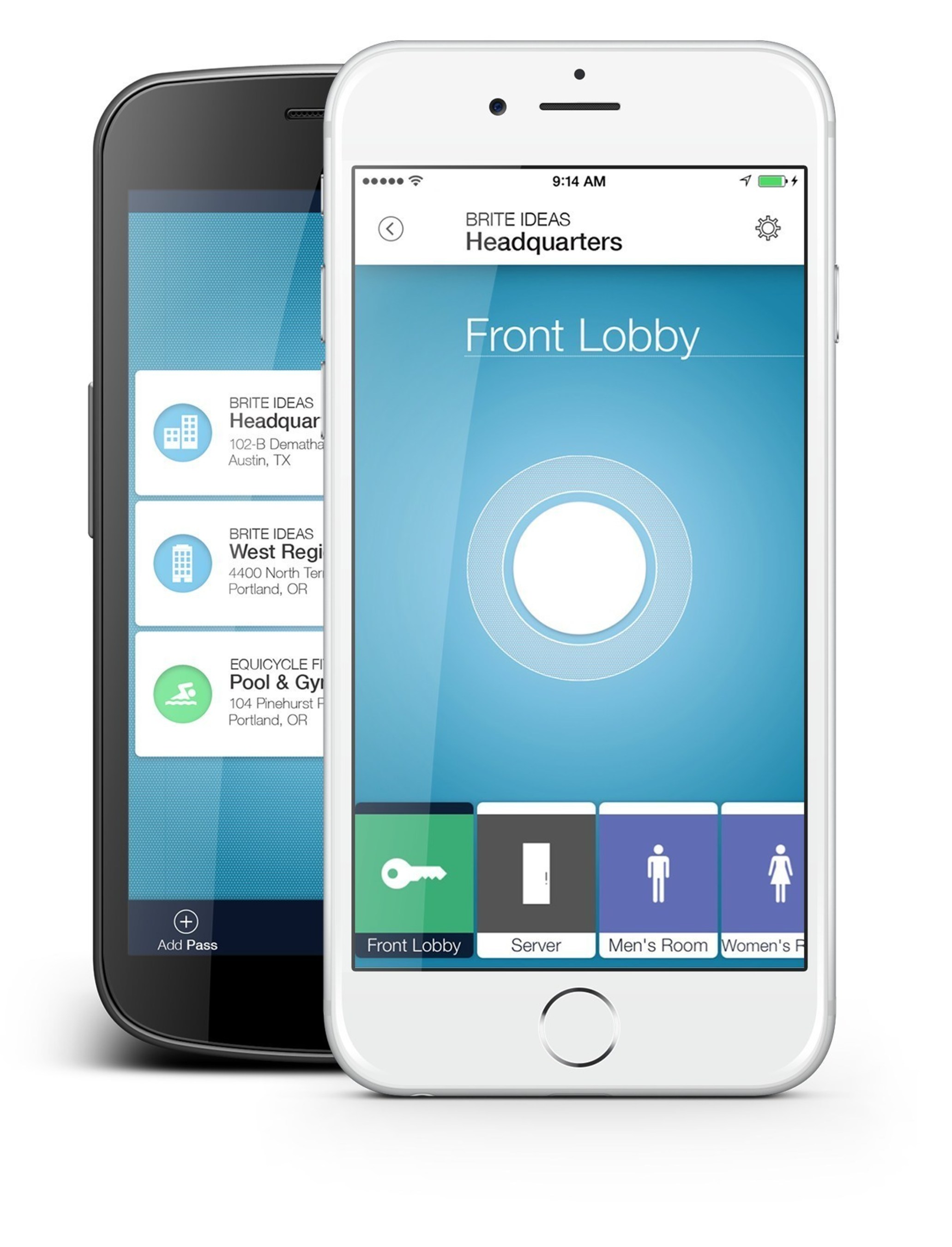
Requesting a new pass for your Brivo only happens when you either lose your phone, buy a brand new device, or change emails. This request will be fulfilled usually within minutes.
If you have a new email address, please provide new email address with request.
- For the fastest service use this ticketing system to make your maintenance requests! SupportBee is a ticketing system used to store and manage the support desk history, best practices, and any supporting documentation.
It's easy to use. Just go to the SupportBee system, create a login and profile, and create your service ticket. You can do all of that by clicking here: support.mimosasalonsuites.com or you can email [email protected].
- Make sure you include any new contact information including (i.e. phone number, and/or email address)
- Additionally, make sure you have not already downloaded the Brivo Pass app onto your new phone, otherwise it will not recognize the new pass sent to you
2. Receive new pass
- Follow email prompts by first downloading the app, and then going back to the Brivo Pass email, and then clicking 'Login In'